More efficient Meta ads, powered by better Shopify data
Littledata streams complete server-side signals to Meta Conversions API, so your budget stops being wasted on the wrong customers


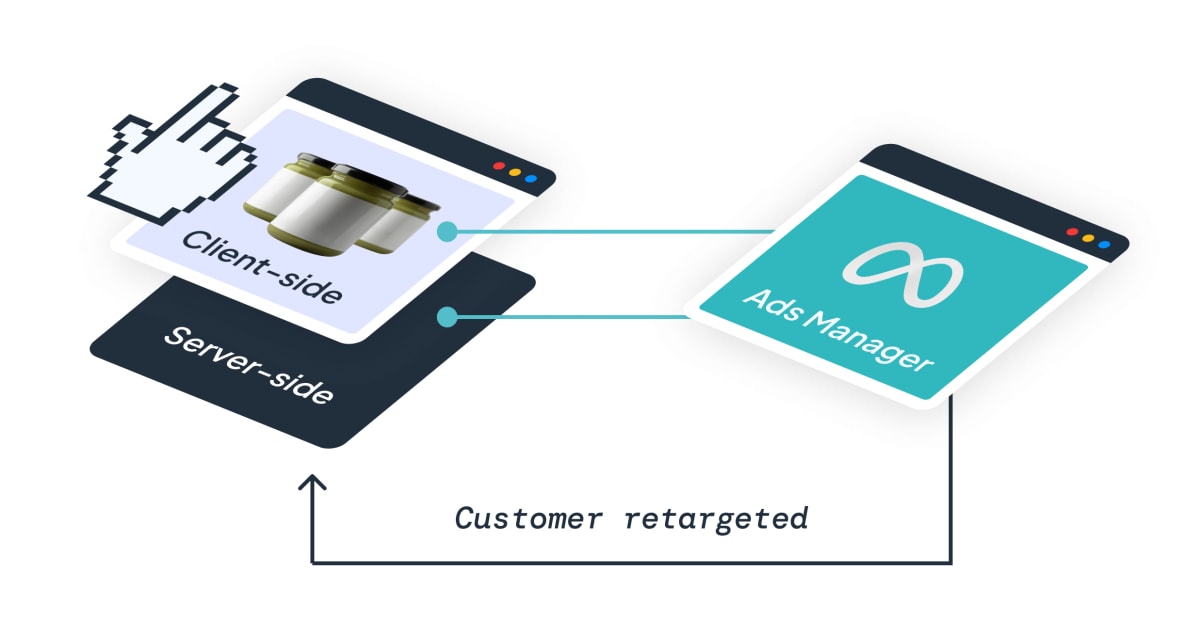
Why Littledata × Meta
Meta's algorithm is only as good as the signal
Meta recommends every brand send conversions through the Conversions API. Littledata adds full server-side tracking from Shopify - no code, no maintenance - so Meta's bidding gets the complete picture.
- 2x checkouts retargeted - server-side events capture the shoppers that hide from the Meta Pixel.
- +2 Event Match Quality score - richer identifiers on every event, so Meta ties more conversions back to real profiles.
- Revenue in Meta matches Shopify - every order tracked, including recurring purchases and post-purchase upsells.
The Facebook & Instagram app vs. Littledata
Shopify's native channel also uses Conversions API, but only for purchases.
Facebook & Instagram app
Missing funnel events
No server-side AddToCart or InitiateCheckout, so mid-funnel retargeting audiences stay incomplete.
Weaker match quality
Purchase events average an Event Match Quality score of 7. Conversions Meta can't tie to a profile are lost to attribution and optimization.
One-size-fits-all conversions
Gross order totals only - no new-customer conversions, no recurring purchases, and no way to customize what Meta optimizes for.
With Littledata
Full-funnel server-side capture
AddToCart, InitiateCheckout, and Purchase all fire from Shopify's servers - 30% more purchases tracked, whatever the shopper's browser or device.
Event Match Quality score of 9
Every event carries the customer identifiers Meta needs to attribute conversions accurately and build better audiences.
Conversions you control
New vs returning customer events, net revenue values with Profit Signal, and custom conversions built in the Event Editor.
Use cases
Full-funnel signals for Meta
Stage 1 · Browsing
Stronger attribution
Reliably capture ad clicks and add back to consenting purchases with Attribution Boost
Stage 2 · In the cart
Bigger mid-funnel audiences
Server-side AddToCart and InitiateCheckout track 2x more customers, feeding larger high-intent audiences for retargeting.
Stage 3 · At checkout
Purchases that match Shopify
Purchase events fire from Shopify's servers for every order, with a match quality score of 9, so Meta attributes revenue to the right campaigns.
Littledata vs Facebook & Instagram app
| Tracking | Littledata app | Facebook & Instagram app |
|---|---|---|
| Page View | ✔️ | ✔️ |
| View Content | ✔️ | ✔️ |
| Server-side AddToCart | +50% |  |
| Server-side InitiateCheckout | +100% | |
| Server-side Purchase | +30% | ✔️ |
| Event Match Quality Score for Purchase | 9 | 7 |
| New vs Returning Customer Conversions | ✔️ | |
| Profit Signal | ✔️ | |
| Event Editor | ✔️ | |
| Recurring Purchases & Upsells | ✔️ | |
| Split Shopify Markets into different ad accounts | ✔️ | |
| Bot Protection | ✔️ | |
| See all features |
Pixel discrepancies
How to fix Meta pixel data discrepancies on Shopify
When Meta's numbers don't match Shopify, one of these causes is usually behind it. Each has a fix you can check in Events Manager.
Purchases blocked in the browser
Ad blockers, declined cookies, and browser privacy features stop the Meta Pixel firing, so orders never reach Meta. Send events server-side through the Conversions API so every order arrives.
Purchases counted twice
Two pixel installs, or browser and server events without a shared event ID, double count orders. Keep one route per event and send an event ID Meta can deduplicate on.
Missing cart and checkout events
The native app only sends purchases server-side, so blocked AddToCart and InitiateCheckout events shrink retargeting audiences. Littledata sends all three from Shopify's servers.
Low Event Match Quality
Events without customer identifiers can't be tied to a profile, so Meta can't credit the ad. Littledata adds the identifiers Meta needs for a match quality score of 9.
Bot traffic in your events
Crawlers firing add-to-cart events inflate counts and fill audiences with users who never convert. Filter them before they reach Meta.
Renewals and upsells counted wrong
Subscription renewals and post-purchase upsells are missed, or counted as new purchases. Track them, and separate first orders from recurring charges with the Event Editor.


Stronger Meta signals from Shopify
Understand why native Meta tracking under-reports conversions, and how server-side events give Meta clearer purchase and behavioral signals.
How it works
Connect in minutes
Verified, no-code setup between Shopify, Littledata, and Meta.
Sync server-side events
Littledata enriches every event with the customer identifiers Meta needs for accurate matching.
Optimize deeper
Turn on new-customer conversions, Profit Signal, and Event Editor rules so Meta learns from the conversions that matter to you.
Profit Signal
Send net revenue to Meta to optimize on profit
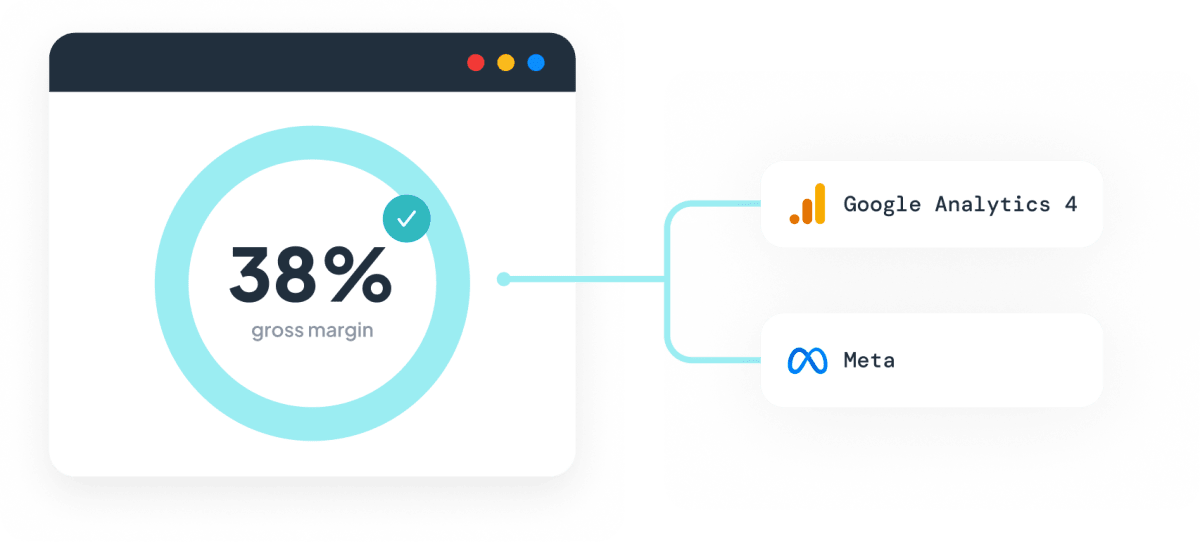
Profit Signal subtracts shipping, taxes, fees, and COGS in real time and sends net revenue as the conversion value. Set your margins once, by product type, vendor, or tag, and Meta's algorithm starts bidding for customers who actually contribute margin.
Event Editor
Define the conversions Meta optimizes for
Build custom conversion events and audiences from your Shopify data - Meta stops learning from every buyer and starts learning from the right ones.
New customer conversions
Focus prospecting campaigns on a New Customer conversion to improve your Marketing Efficiency Ratio.
Hero-product lookalikes
Build audiences from buyers of your highest-margin product, not every buyer.
Cleaner conversion values
Strip test orders and zero-value transactions before they reach Meta, so ROAS reflects real performance.
Subscription-aware events
Separate first orders from recurring charges, so acquisition campaigns don't take credit for renewals.
Bot Protection
Kick bots out of your Meta audiences
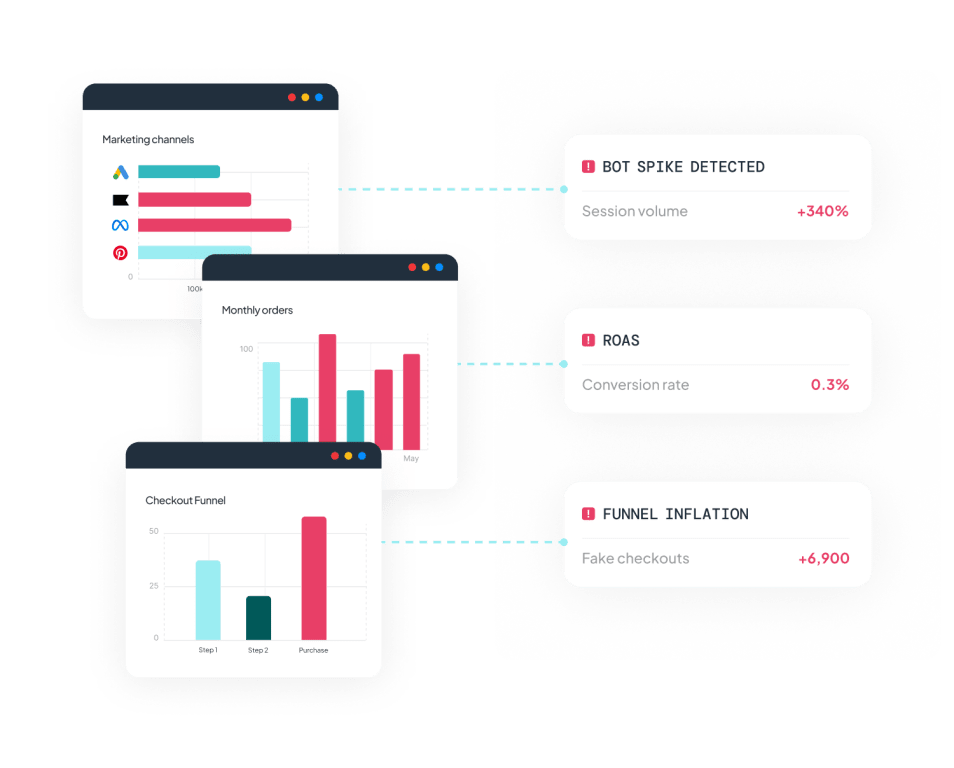
Competitor tools crawl your store to check stock levels, firing add-to-cart events no human ever triggered. Sending those to Meta fills your retargeting audiences with 'users' that will never convert.
- Retarget real people - filtering bot events can save 30-40% of your retargeting costs.
- Audiences built from humans - Meta learns from shoppers with a real journey behind them.
- Blocked at the source - Littledata filters the events at the Shopify event level, so Meta never receives them.
Resources & activation
Get started, optimize, and scale
Guides for every stage of your Littledata × Meta journey.
What Shopify brands say about Littledata
Using LittleData puts my mind at ease that everything that can be tracked - is tracked. It feels much more secure than Shopify’s less than friendly suggestions to control how data flows via partner apps (like Google or Meta). At Naturalmat we have quite complex needs and often push our app partners on configurations that would work for our business - LD have supported each and every "out there" request and the support team is amazing. I often speak to Claudiu and Cornelia and they both have been brilliant. Trying to get hold of anyone at Google or Meta, well, we've all been there - forget it. There are a few apps I can't imagine having a Shopify store without, and LD is definitely one of them.
We've used Littledata since June to send our Shopify orders server-side to Meta and GA4, and it just works. Our purchase events reach Meta reliably and match our Shopify orders, which has made our ad reporting much more trustworthy. Support is super fast. When I had a question, they checked our actual logs and came back with a clear, thorough answer right away. Highly recommended.
Really easy to implement, fast support when needed. Really got my GA4 numbers on point again after migrated to Shopify. Also REALLY good event increase in Meta and support good to go server side on Klaviyo to not miss anything for flows.