Accurate marketing data with Smartrr
Track first-time and recurring Smartrr orders in your marketing channels, and see which campaigns bring in your best subscribers


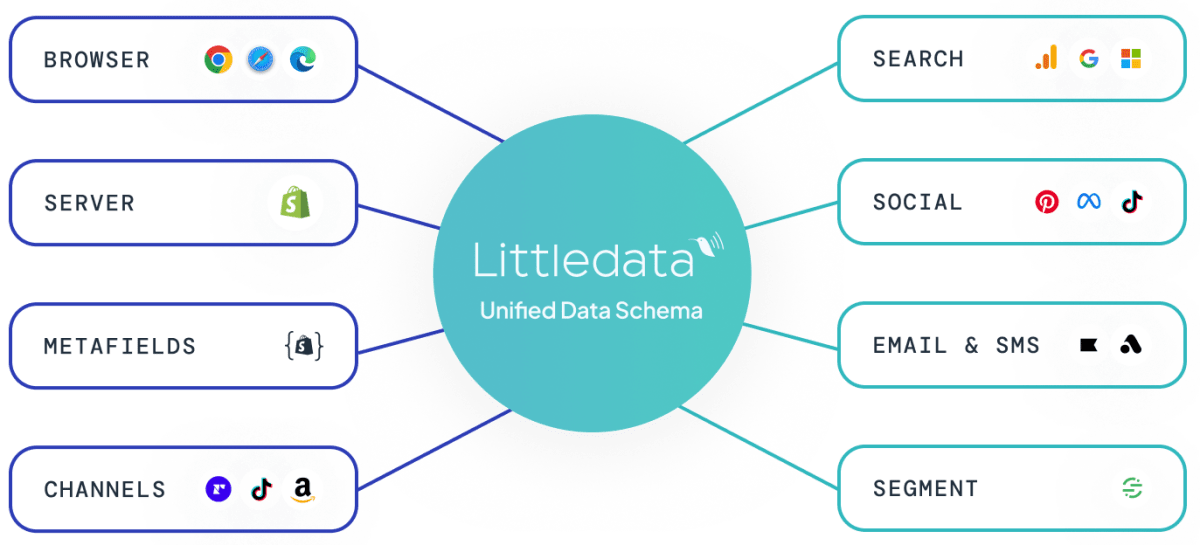
The direct answer
What does Littledata do for Smartrr subscriptions?
Smartrr runs in the Shopify checkout, so Littledata tracks its subscriptions with no extra setup. Littledata separates one-off purchases, first-time subscription orders, and recurring orders, sends them server-side to Google Analytics 4, Google Ads, Meta, and Segment, and ties every renewal to the marketing source of the subscriber's first order.
- First-time and recurring orders - tracked automatically and split by order type.
- Marketing attribution for subscription revenue - renewals credited to the channel that won the subscriber.
- Segment performance - by payment source and product category.
- Custom dimensions for LTV - lifetime revenue and purchase count per customer.

The problem
Why Smartrr renewals are invisible to marketing tools
Smartrr creates renewals automatically. With no visit to your store, browser tags never see them.
- No channel on renewals - GA4 can't credit recurring revenue to the campaign that started the subscription, so you judge channels on first orders only.
- Renewals as ad conversions - if they reach Meta or Google Ads as purchases, ROAS looks better than it is and bidding learns from existing customers.
Littledata labels each order type and sends it to each destination in the right form.
Where do Smartrr orders go?
| Destination | What it receives |
|---|---|
| Google Analytics 4 | All orders, with Smartrr's order tags in the Affiliation dimension |
| Meta Ads | Purchase for new orders, with optional Subscribe and Recurring Purchase events |
| Google Ads | Purchase and New Customer Purchase conversion actions, with an optional filter to exclude renewals |
| Segment | Order Completed and checkout events, with order tags in the affiliation property |
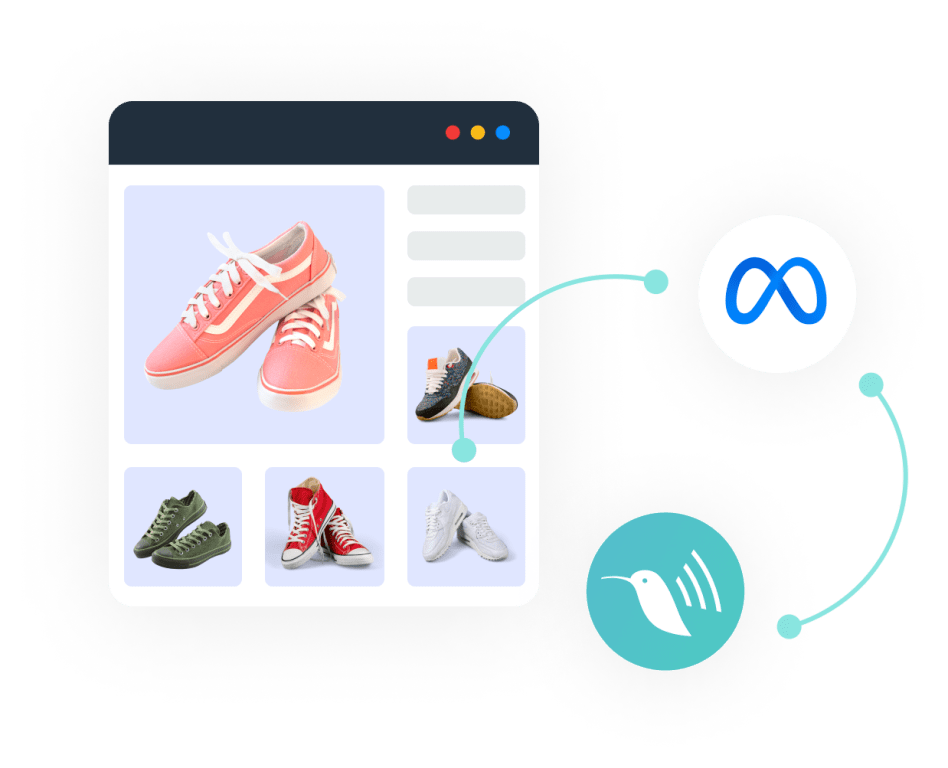
Subscribe events for Meta
Optimize your Meta Ads campaigns for new subscription customers by triggering a conversion only for the customer's first subscription order.
- Subscribe - Meta's standard event for new subscriptions, sent by the First recurring purchase recipe in the Event Editor. See new subscribers by campaign, ad set, and ad.
- Recurring Purchase - send renewals as a separate event to retarget subscribers or build lookalike audiences.

Smarter retention marketing with Klaviyo
Accurate server-side tracking of on-site behavior in Klaviyo ensures your retention flows are personalized to the product of most interest. When subscription status is stored as Shopify customer tags, the Event Editor can add it to browse and cart events for separate subscriber flows.
How do I track Smartrr orders?
Install Littledata
Add Littledata from the Shopify App Store and connect GA4, Meta, Google Ads, or Segment.
Orders tracked automatically
Smartrr orders are picked up through the Shopify checkout, including order tags added shortly after each order is created.
Label renewals
Add a smartrr / recurring source/medium rule under Session enrichment, so renewals from older subscriptions aren't (not set).
Report by order type
Create the Affiliation custom dimension in GA4 to compare one-off, first-time, and recurring revenue by channel.
What Shopify brands say about Littledata
Using LittleData has been instrumental for our business success. The team at LittleData is extremely intuitive when it comes to understanding our business objectives and working alongside our digital team to ensure we are making informed data-driven decisions that will move the needle. In addition to being a great partner that helps us optimize marketing strategies and understand overall consumer behavior on our website, the team (David + Ross) are absolutely fantastic to work with.
Data is getting ever more complicated for small ecommerce businesses (GA4 intro, consent changes, multiple apps with differing data). SMEs need a solid foundation where they can have confidence they are reading the best data available, giving them time to get on with the day job. Littledata definitely fills this gap. In particular, I'd like to give a shout out to Claudiu in tech support. I keep asking him a tonne of questions - he is patient, quick to reply, and solutions focused. Thank you!
Highly recommend Littledata! The tool is genuinely helpful for accurate tracking and analytics integrations, but what really stands out is their amazing support team. The team is incredibly helpful, knowledgeable, and dedicated. They don't just provide generic answers they actually investigate issues, explain everything clearly, and go the extra mile to find real solutions. You can tell they genuinely care about their customers. Honestly, one of the best support experiences I've ever had. Great product and an even better team! :)
Track recurring orders into your marketing channels
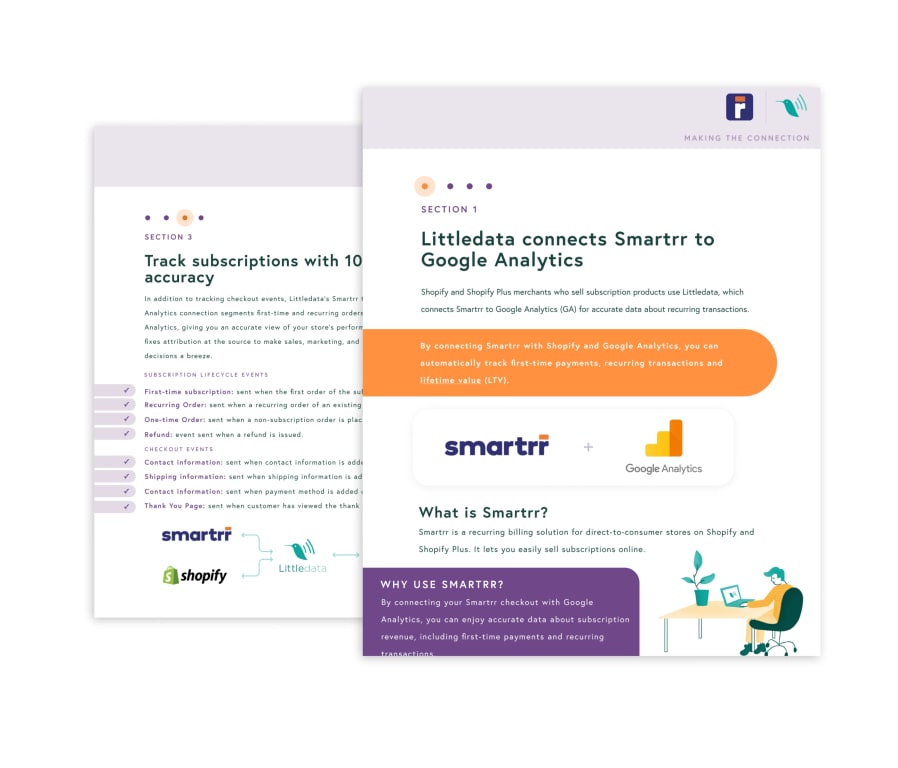
Advanced analytics for Shopify and Smartrr
With Littledata's Smartrr connection guide, you will learn how to:
- Automatically track one-off, first-time, and recurring orders
- Tie subscriptions back to the original source
- Calculate customer lifetime value (LTV)
- Scale your Shopify store faster with data-backed decision making