Use Yotpo Loyalty data in Klaviyo and Meta Ads
Send each customer's Yotpo points balance and VIP tier to Klaviyo and Meta, so cart flows and ad campaigns know who your most loyal customers are


The direct answer
What does Littledata do with Yotpo?
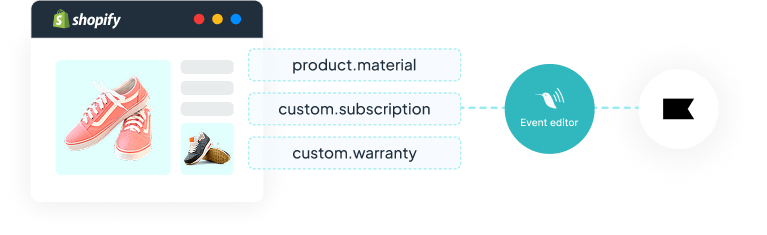
Yotpo Loyalty syncs each customer's loyalty data to Shopify as customer metafields. Littledata's Event Editor reads those metafields and attaches them to the server-side events it sends to Klaviyo and Meta, so your flows and ad campaigns can target customers by points balance or VIP tier.
- Klaviyo - an Add to Cart event that carries the customer's points balance, so abandoned cart flows can branch on it.
- Meta Ads - Purchase events enriched with, or filtered on, VIP tier and points, for retargeting audiences and campaign optimization.
- No code - you pick the Yotpo field and the event in the Event Editor, which is included on every Littledata plan.
The problem
Why your loyalty data never reaches your flows and ads
Yotpo knows which customers have points waiting and which sit in your top VIP tier. The standard Shopify events sent to Klaviyo and Meta don't carry any of that. As a result:
- Abandoned cart flows treat everyone the same - a VIP with a large points balance gets the same reminder as a first-time visitor.
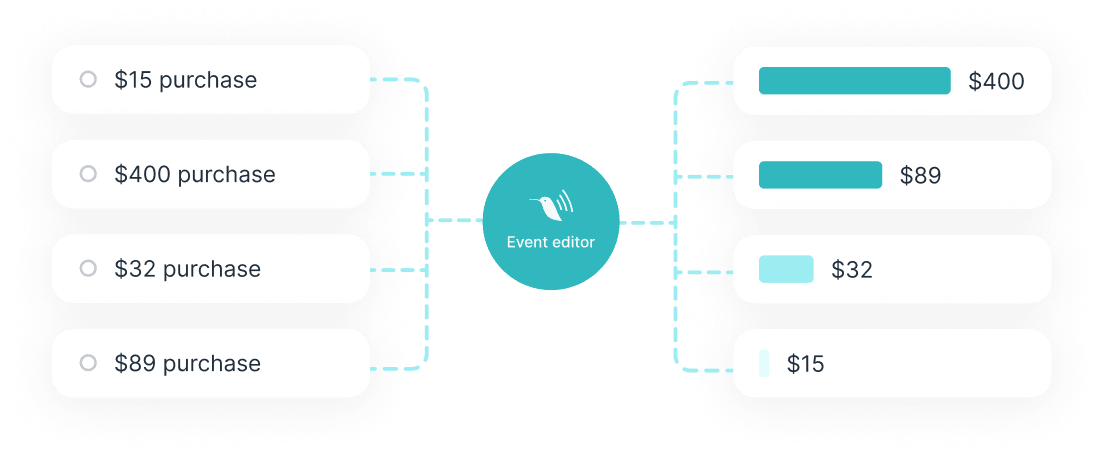
- Meta optimizes on every purchaser - campaigns learn from one-off bargain hunters as much as from your most loyal repeat buyers.
- Audiences stay generic - you can't build a retargeting audience from a VIP tier that Meta has never seen.
What Yotpo data can Littledata send?
Yotpo Loyalty syncs these customer fields to Shopify. Littledata can read any of them on every event.
| Yotpo field | What it tells you | Example use |
|---|---|---|
| Loyalty opt-in | Whether the customer has joined your loyalty program | Target members and non-members differently |
| Loyalty opt-in source | How the customer joined the program | Compare members by how they signed up |
| Loyalty points balance | The customer's current points | Branch an abandoned cart flow on a points threshold |
| VIP tier name | The customer's current VIP tier | Optimize or retarget Meta campaigns on your top tier |
| Available rewards | Rewards the customer can redeem now | Remind shoppers of a reward they haven't used |
How can I use Yotpo points in Klaviyo abandoned cart flows?
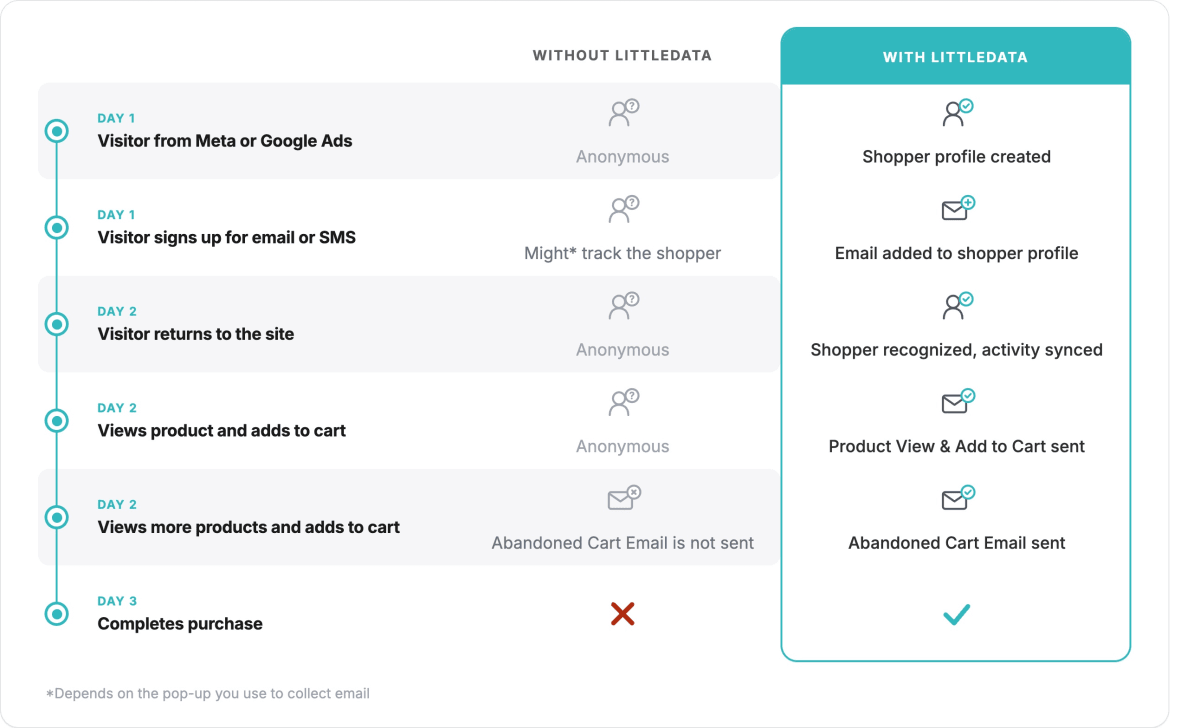
Littledata's Event Editor reads the customer's Yotpo points balance from their Shopify metafield and attaches it to the Add to Cart event it sends server-side to Klaviyo.
- Branch on points - split your abandoned cart flow on the points balance in the event payload.
- A reason to come back - customers above your threshold get a "you have X points, use them on this order" message.
- Everyone else - gets your standard abandoned cart flow.
How can I target my most loyal Yotpo customers in Meta Ads?
Littledata gives you two ways to put Yotpo loyalty data to work in Meta:
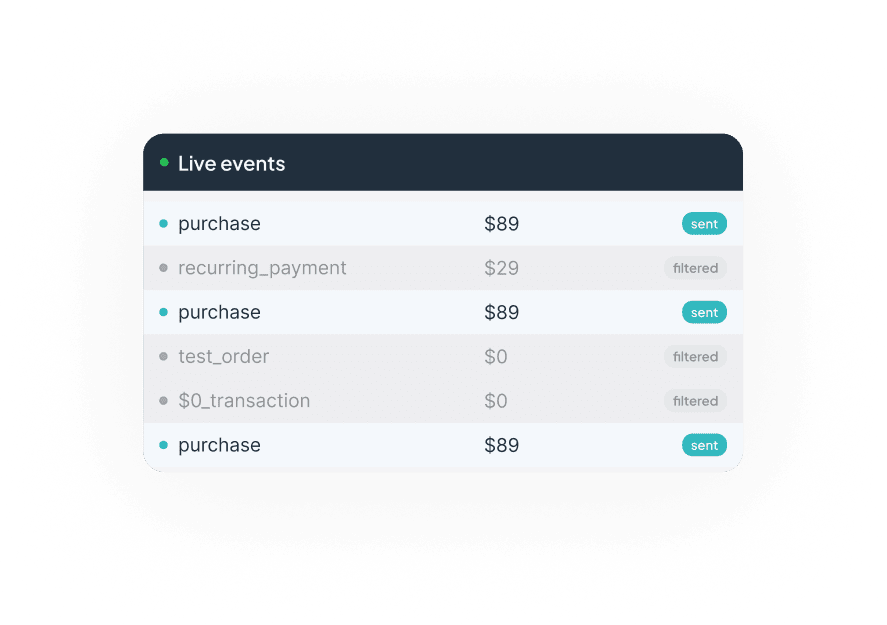
- Optimize on your best buyers - Littledata clones your Purchase event and filters it on a VIP tier or points threshold. Set that event as your campaign's optimization goal, and Meta builds its audience model on your most loyal customers instead of all purchasers.
- Retarget your best customers - Littledata adds VIP tier and points balance to the Purchase event it sends to Meta. In Meta, create a custom audience from that event, filtered on a tier or points threshold.
How to set up the Yotpo integration
Install Littledata
Add Littledata from the Shopify App Store and connect Klaviyo, Meta, or both.
Check your Yotpo metafields
Confirm Yotpo Loyalty data, such as points balance and VIP tier, appears on customer records in your Shopify admin.
Pick a field and an event
In the Event Editor, choose the Yotpo field and the event to attach it to - Add to Cart for Klaviyo flows, Purchase for Meta.
Build the flow or audience
Split your Klaviyo abandoned cart flow on points, or create a Meta custom audience or optimization event from the enriched Purchase event.
Using another loyalty app? The same recipes work with LoyaltyLion, Smile.io, and Rivo, which also sync loyalty data to Shopify metafields. Browse all recipes
What Shopify brands say about Littledata
We couldn’t be happier with our experience using Littledata! From seamless integration with our Shopify store and relevant connections (GA4, Klaviyo, Google Ads), to the detailed analytics and real-time data insights, Littledata has truly elevated our ability to understand and optimize our web and customer data. The platform’s intuitive design makes it incredibly straightforward to set up, and the depth of reporting has helped us make confident, data-driven decisions. On top of the great functionality, we’ve had the pleasure of working closely with Cornelia, our Littledata guru. Her responsiveness, expertise, and genuine willingness to help have made every step of the process smooth and enjoyable. She exemplifies stellar customer service and consistently goes the extra mile to ensure our success. If you’re looking for a reliable, robust analytics solution backed by a supportive team, we highly recommend Littledata!
We have been using Littledata for about a year and a half with our Shopify webstore. The accuracy of the data has really assisted us to run effective Google PMAX campaign. We have been impressed by the great support and customer service from the Littledata team whenever we have had questions or issues.
The app is amazing! Their price - value ratio is incredible good, installation is so easy which is what got my attention to begin with. Also I can confirm my EMQ has increased considerably since installing the app, they also have their own bot filtering feature in-app, AND their customer support could not be any better they respond super fast the same day via live-chat, something very rare nowadays, I can recommend 10/10 lets go!